.png?height=120&name=SyncSuite%20(4).png)
Step-by-step guide to setting up SchemaSync
How to Use SchemaSync
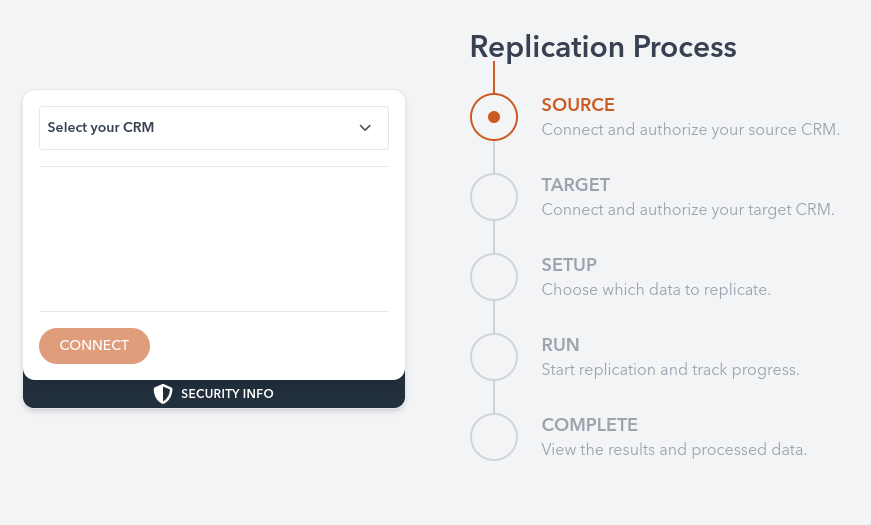
Step 1: Connect Source and Target CRMs
- Log in to SchemaSync.
- Select the source CRM from which you want to replicate the schema.
- Authenticate and connect to the target CRM where you want the schema to be replicated.
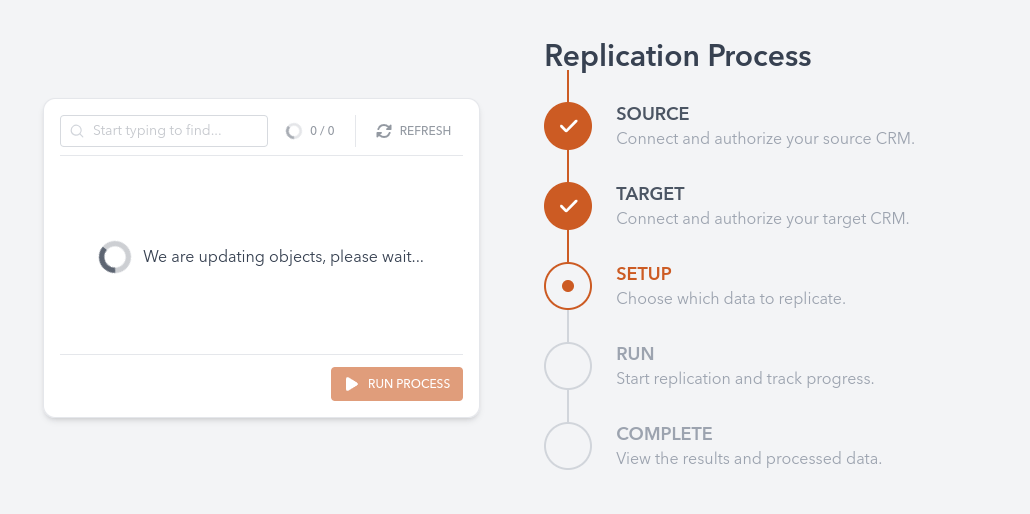
Step 2: Configure the Replication
- Choose the specific fields, objects, and relationships you wish to replicate.
- Use the customization options to modify how data is mirrored, if necessary.
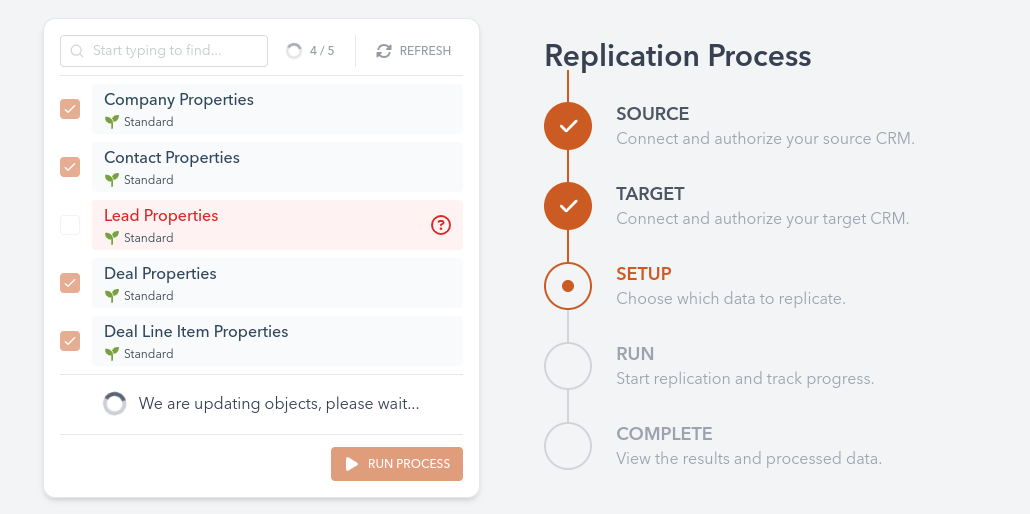
Step 3: Review and Confirm Settings
- Review the selected configurations to ensure all required objects are set up.
- Confirm the replication settings.
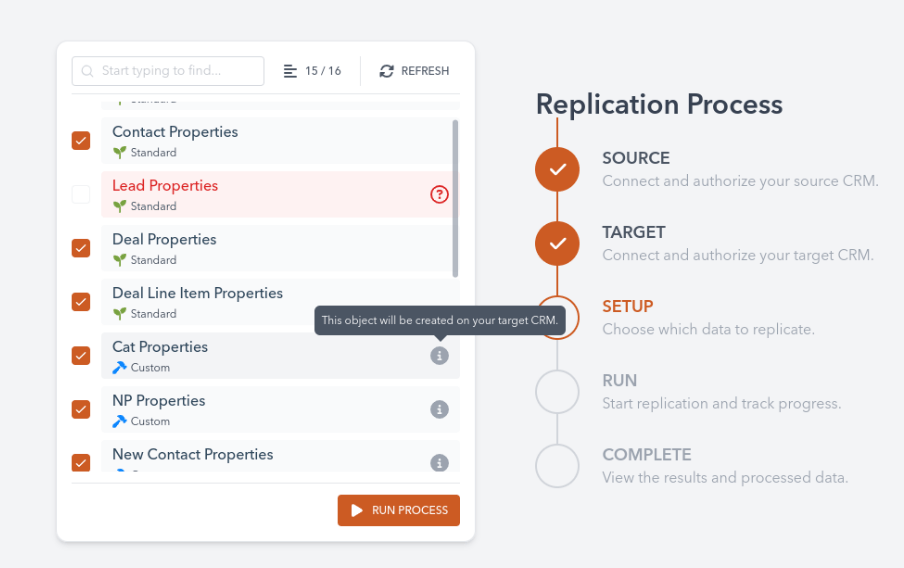
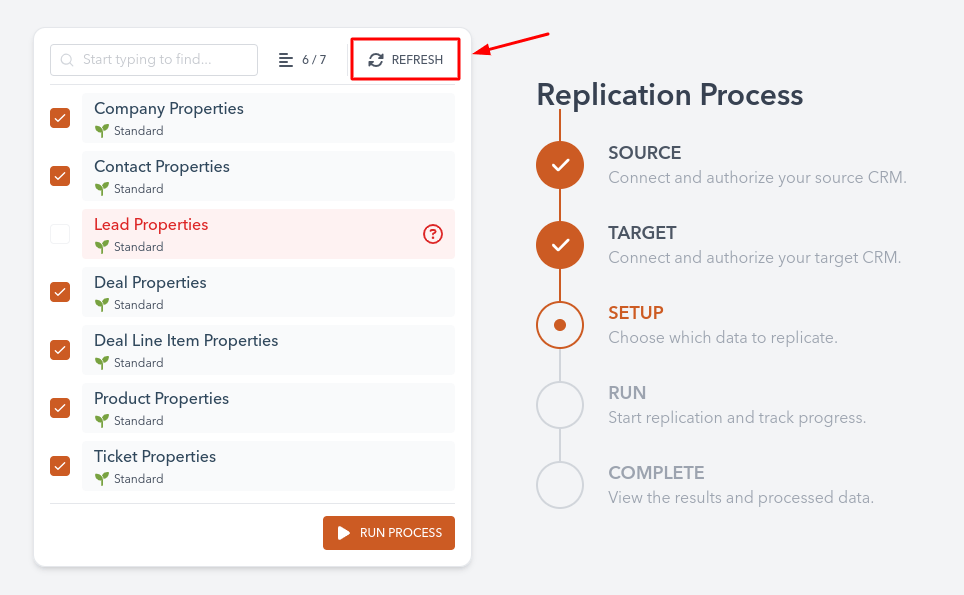
Step 4: Execute Schema Replication
- Click the "Start Replication" button to begin the process.
- Monitor the progress via the dashboard, which displays a status log of the replication.
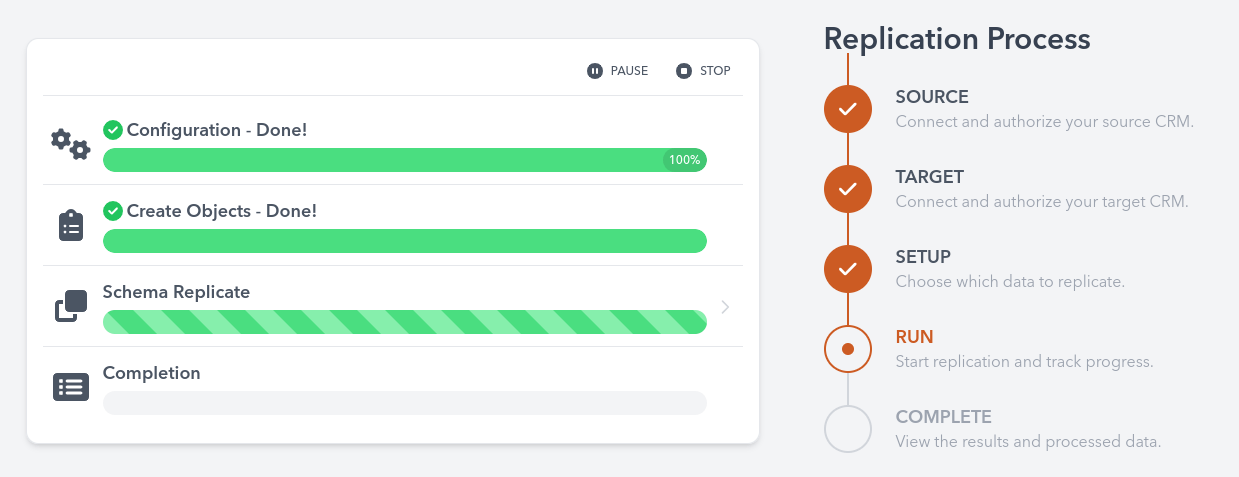
Step 5: Verify Replication
- Once the replication is complete, log in to the target CRM to verify that all fields, objects, and relationships have been accurately replicated.